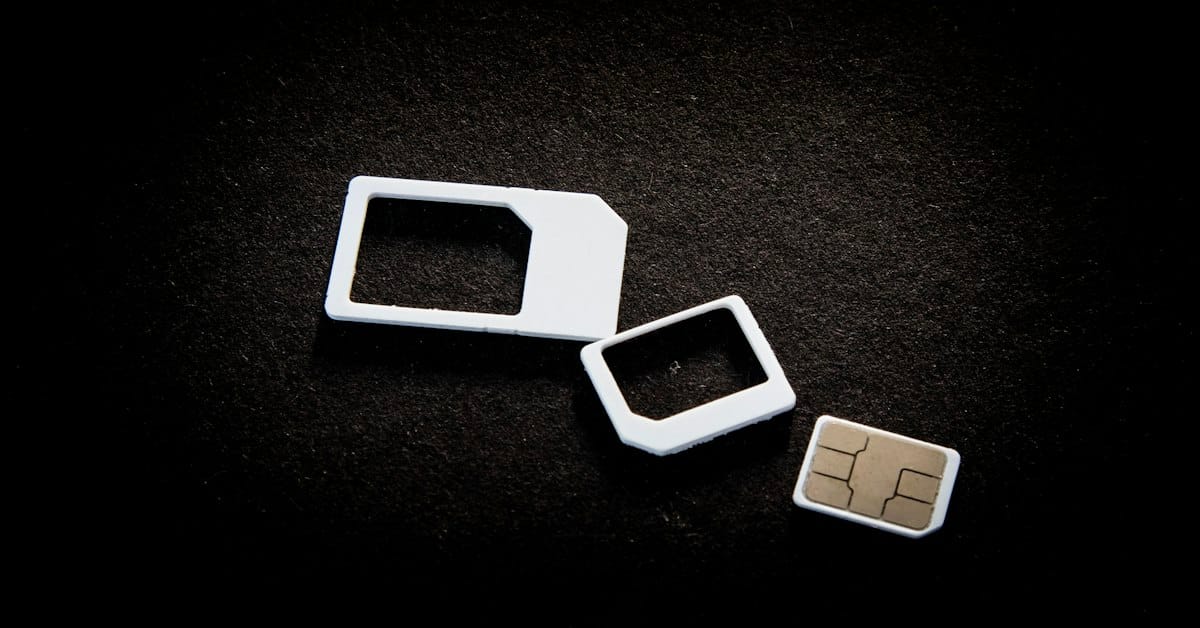
Almost every guide to China connectivity tells you to buy a VPN before you fly. Almost none of them tell you the thing that actually solves the more annoying problem: the two-factor authentication codes your bank and credit card send by SMS, which you cannot receive if you swap to a local Chinese SIM. An eSIM fixes this — if you pick the right one. Pick the wrong one and you’ll have data that routes through a Chinese carrier, which means you’ll also need the VPN you were trying to avoid needing. This guide covers which eSIMs actually work, how they differ, and the one setting most people get wrong.
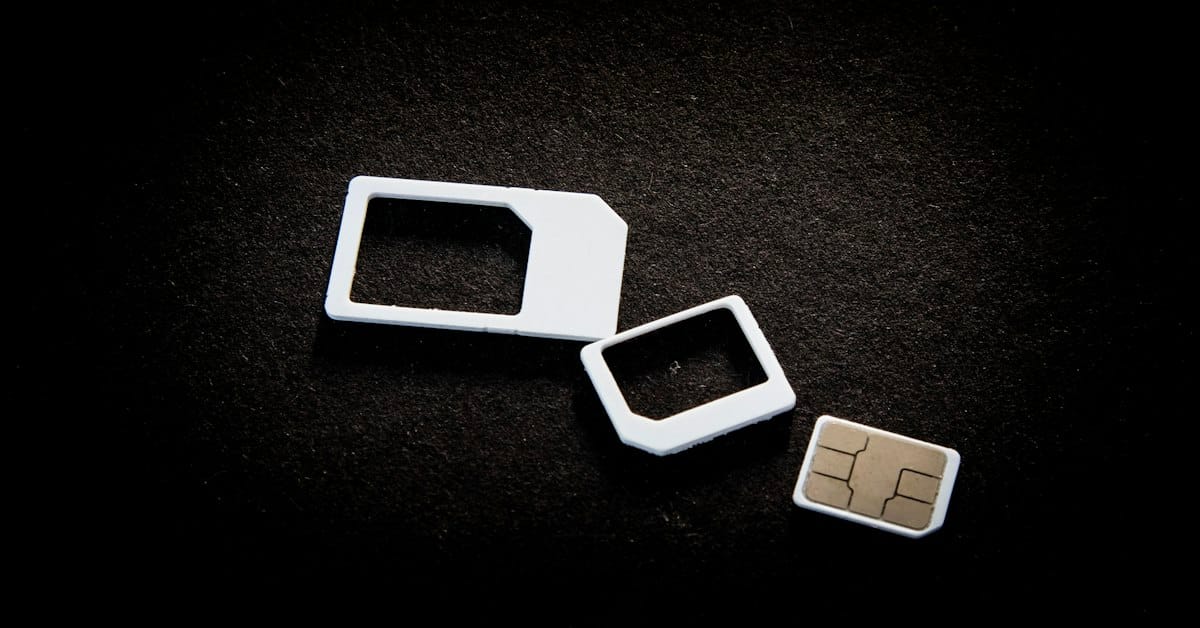
The Quick Answer: Get an eSIM That Routes Internationally
Buy a travel eSIM that uses international roaming, not a Chinese local network eSIM. The difference determines whether you need a VPN at all.
- International-roaming eSIMs (Airalo, Nomad, Ubigi, Saily) route your data through the provider’s home network and out to the internet from outside China. Traffic never passes through the Chinese firewall. Google, Gmail, WhatsApp, Instagram all work without a VPN
- Local-network eSIMs (sold by Chinese carriers or as “China local” plans) put you directly on China Mobile / Unicom / Telecom. The firewall applies. You’ll need a VPN for anything Google
In my experience, the first category is what you want. The second exists and is sometimes cheaper, and it’s a trap for anyone who assumed “eSIM” means “solved.”
Why an eSIM Beats a Physical Chinese SIM
| Factor | Travel eSIM | Physical Chinese SIM |
|---|---|---|
| Your home number stays active | ✅ Yes — this is the key advantage | ❌ No, unless you have dual SIM |
| Receiving bank/SMS verification codes | ✅ Works normally | ❌ Bank codes go to your home number, which you’ve just removed |
| Set up before you fly | ✅ Yes, install and test at home | ❌ No — requires passport registration in a Chinese store |
| Time to activate | Instant | 30–60 minutes of paperwork |
| Cost for 10–20GB | Roughly $10–30 | Roughly 100–200 yuan |
| Firewall applies | Depends — roaming types don’t | ✅ Yes, always |
The third row is the one that catches people. A physical Chinese SIM requires in-person registration with your passport at a carrier store — China Mobile and China Unicom both do it, but you’ll spend 30–60 minutes and you need a store that handles foreign passports. Doing that on arrival day, jet-lagged, in a language you don’t speak, is not how you want to spend your first afternoon.
The SMS Problem Nobody Warns You About
Your bank will freeze your card at some point during a China trip. The unfreeze requires an SMS code sent to your home number.
This isn’t hypothetical — it’s the single most common payment failure foreign visitors hit. A charge from a Chinese payment processor is exactly the pattern fraud algorithms are built to flag. When it happens, WeChat Pay and Alipay both show a generic “payment failed” message and your card stops working until you call the bank to unfreeze it.
If you swapped to a physical Chinese SIM on arrival, your home number is offline. You cannot receive the code. You cannot complete the bank’s automated verification. You are standing at a noodle counter at 11pm with a working phone and no way to pay.
An eSIM avoids this entirely: your home SIM stays in the phone, active for SMS, while the eSIM handles data. Both work at once. This single capability is worth more than the price difference between eSIM and local SIM.
For the full payment picture — what works, what fails, and how to handle it — the China payment guide covers the WeChat Pay and Alipay side in detail.

The Providers, and How They Differ
These are the main options travelers use. Prices move constantly; treat the numbers as rough ranges rather than quotes.
Airalo
The most widely used. China plans are available as both “local” (routes through a Chinese carrier) and “regional Asia” (routes internationally). Pick the regional Asia plan, not the China local plan, for firewall-free data. Roughly $15–30 for 10–20GB. Setup is app-based and takes about five minutes.
Nomad
Similar structure to Airalo, sometimes cheaper on data-heavy plans. Their China plans run on China Unicom infrastructure but route internationally. Roughly $12–25 for 10–20GB depending on the sale.
Ubigi
Backed by Transatel. Their China eSIM is a roaming product and generally bypasses the firewall. Slightly less common but reliable. Roughly $15–20 for 10GB.
Saily
Newer entrant (backed by Giesecke+Devrient), often the cheapest per GB and frequently running promotions. Fewer reviews than Airalo. Roughly $10–20 for 10–20GB.
Holafly
Unlimited-data plans, which sounds attractive until you read the fine print — the unlimited plans often apply fair-use throttling after a daily threshold, and Holafly’s China product has had mixed reports on whether it bypasses the firewall. Worth checking recent reviews before buying for China specifically.
The honest recommendation: Airalo’s regional Asia plan or Nomad’s China plan, both of which reliably route internationally. Buy on price between those two.

Setup: The 15-Minute Version
Do this at home, on your home wifi, before you fly. Activation requires a live connection to the provider’s servers, and if something goes wrong with your home number offline you want to be somewhere you can fix it.
- Check your phone supports eSIM. iPhone XS and later, most recent Samsung and Google Pixel models. Chinese-market phones often do not support eSIM — including iPhones sold in mainland China
- Buy the plan and install the eSIM profile from the provider’s app or a QR code. Do not activate it yet if the plan starts counting from activation
- Label it in your phone settings (e.g. “China data”) so you don’t confuse it with your home line
- Set the eSIM as your default data line, and set your home SIM to voice and SMS only with data roaming OFF
- Test it before you fly if the plan allows — most regional plans activate on landing, so you may only be able to verify installation, not connectivity
- Turn off “Wi-Fi Assist” and “Data roaming” on your home line to avoid accidentally burning your home plan’s roaming charges
The single most common setup error: leaving the home SIM as the default data line. Your phone then tries to route data through your home carrier, which costs a fortune in roaming and may not work at all. Check this twice.
Do You Still Need a VPN?
If your eSIM routes internationally: no, for most things. Google, Gmail, WhatsApp, Instagram, Facebook, Western news sites — all accessible. This is the main reason to pay attention to which category of eSIM you bought.
Two caveats:
- Hotel and café wifi is still behind the firewall. Your eSIM gets you around it on mobile data, but if you connect to a Chinese wifi network you’re on the Chinese internet again. Many travelers keep the eSIM as their only data source for exactly this reason
- Some apps geofence. A few services check your IP location and behave differently even if the connection works. Netflix is the obvious one
If you’d rather not depend on the eSIM’s routing, or you’re using a local SIM or Chinese wifi, a VPN is still the answer — the China VPN guide covers which ones actually work and why you must install before you land.

What Actually Goes Wrong
The eSIM that doesn’t bypass the firewall
You bought a “China eSIM” that turned out to be a local-carrier product. Everything Google is blocked. This is the most common disappointment, and it’s entirely avoidable by reading whether the plan says “local network” or “roaming.”
The phone that doesn’t support eSIM
Chinese-market iPhones (bought in mainland China) have two physical SIM slots and no eSIM support. If you’re traveling with a phone purchased in China, check before you buy a plan.
The accidental roaming charge
Your home SIM stayed as the default data line and your phone quietly used it. Turn data roaming off on the home line before you leave. This is a 30-second setting that has saved travelers hundreds.
Coverage gaps outside cities
International-roaming eSIMs route through partner networks. In remote areas — rural Yunnan, western Sichuan, parts of Tibet and Xinjiang — coverage can be weaker than a local China Mobile SIM. If your itinerary is heavily rural, this is worth knowing; a local SIM has the best coverage but brings back the SMS problem.
China eSIM: Frequently Asked Questions
Q: Does an eSIM work in China?
Yes, but type matters. International-roaming eSIMs (Airalo regional Asia, Nomad, Ubigi, Saily) bypass the firewall — Google works without a VPN. Local-network eSIMs put you on China Mobile/Unicom and the firewall applies. Check whether the plan says “roaming” or “local network.”
Q: eSIM or Chinese SIM card?
Usually eSIM, because of SMS. An eSIM keeps your home number active for bank verification codes. A physical Chinese SIM needs 30-60 min passport registration and removes your home number — fatal if your bank freezes your card (common).
Q: Which eSIM is best for China?
Airalo regional Asia or Nomad’s China plan — both route internationally. Roughly $12-30 for 10-20GB. Ubigi is a solid alternative. Be cautious with “unlimited” plans (throttling; inconsistent firewall behaviour).
Q: Still need a VPN?
With an internationally-routed eSIM, no for most purposes. But hotel/café wifi is still behind the firewall, and some apps geofence by IP. On Chinese wifi or a local SIM, you still need a VPN installed before landing.
Q: How to set up?
At home on wifi. Check eSIM support (iPhones bought in mainland China don’t support it). Install the profile, label it, set as default data line, set home SIM to voice/SMS only with data roaming OFF. Most common error: leaving home SIM as default data line → roaming charges.
Q: Why keep my home number active?
Bank verification codes. Card freezes from Chinese payment processors are common; unfreezing needs an SMS to your home number. Without it your card stays frozen and both WeChat Pay and Alipay fail.
For the rest of the connectivity picture, the China VPN guide covers which VPNs work and why installation before landing matters, and the essential China travel apps guide covers what to install alongside your eSIM. If payment is your main worry rather than data, the China payment guide covers the WeChat Pay and Alipay setup in full.
Photos courtesy of Unsplash.